

List of articles
How to book a flight and hotel in one transaction?
Last update: 17/06/2025
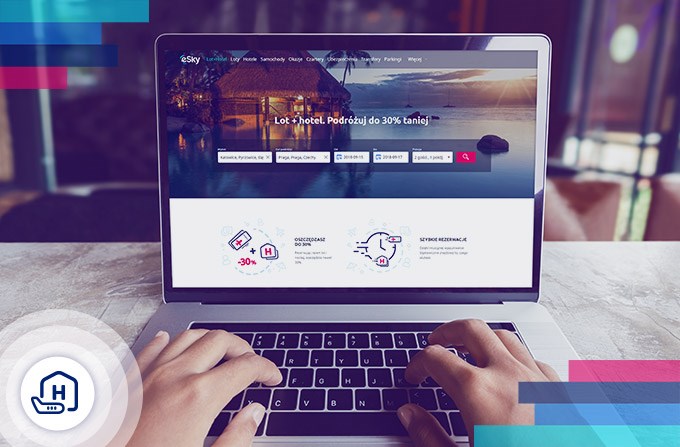
What will you read about in the article?
Are you planning a plane trip and a longer stay at your destination? Thanks to Flight + Hotel packages you will save a lot of time looking for a flight and accommodation, you will avoid overpaying and pay for a flight and your stay in one transaction.
Flight+Hotel package allows you to find the best flight offers and hotels at a selected place and time. The intuitive search engine will help you quickly match the offer to your requirements. You have over 1.1 million accommodation places checked by travellers. Check which offer will be the best for you. To book a flight and accommodation, just visit the Flight + Hotel website on eSky.pl and follow the instructions below.
How to book a flight and hotel in the Flight+Hotel package?
Step 1. Enter information about your travel to the search engine.
- Visit the Flight+Hotel website
- In the search engine at the top of the page, enter the place of departure and destination, travel dates and the number of guests with the number of rooms.
- Click "Search".
Step 2. Adjust search results to your preferences.
- Search by location. Click on the map to the left of the search results and find a place to stay in the selected location.
- Search by filters. In the filter area to the left of the search results, specify:
- accommodation standard (from one to five stars),
- guest rating (from one to five points),
- type of building (hotel, apartment, guest house, etc.),
- facilities nearby (city centre, monuments, attractions, public transport stations),
- number of meals included in the price,
- price,
- required facilities in the accommodation (internet access, air conditioning, parking, etc.).
- Search by sorting. Use the buttons at the top of the page to sort results according to:
- price,
- guest rating,
- number of stars,
- distance from selected points.
Step 3. Choose the best offer.
- Click "select" next to one of the offers in the main search results.
- Scroll down the object page and select one of the available rooms.
- Choose the flight that will be best for you. When choosing, you can use sorting, as in step 2.
Step 4. Complete the passengers data and choose the payment method.
- Enter the passenger data in the designated place. You can do it manually or by logging into your eSky account or on Facebook.
- Provide the contact details of the person who is booking the travel
- Choose payment method.
- Choose consent
- Book and pay.
Done! - Your flight and hotel are booked. Pack your bags and enjoy a stress-free travel! Find and book your flight and hotel on eSky!
Cheap flights. Explore the world your way
Best ticket prices, a wide range of destinations, and convenient connections. Grab a deal and start your adventure.
Your perfect getaway starts here
Discover places worth visiting all year round




Psst! Download the eSky app and travel even more comfortably.

